
Most people understand what a website is: a set of pages that present information about a business or organization. A web system is something different. It is software that runs in a web browser and helps people do work, such as managing customers, tracking tasks, processing bookings, or producing reports.
Many businesses reach a point where spreadsheets, paper forms, and messaging apps can no longer keep up. This article explains what a custom web system is, what it can do, and how to decide whether your business needs one.
Website vs Web System
A website is primarily about communication. It tells visitors who you are, what you offer, and how to contact you. Most visitors simply read and then take an action, such as calling you or submitting a form.
A web system is primarily about operations. Users log in to create, update, and review information. Different people may have different roles and permissions, and the system follows your business rules. Examples include customer portals, booking platforms, staff dashboards, and school management systems.
The two often work together. Your public website attracts and informs visitors, while your web system manages what happens after they become customers.
What Custom Web Systems Can Do
Customer Management
A simple customer relationship management (CRM) system can record customer details, inquiries, quotations, follow-ups, and communication history in one place. This helps teams avoid lost leads and see where each customer stands.
Booking Systems
Travel companies, clinics, consultants, venues, and service providers can use booking systems to receive requests, manage availability, confirm appointments, and send notifications.
School Management Systems
Schools can manage student records, classes, attendance, assessment results, fee records, and parent communication. Access can be restricted so that each user sees only what they need.
Staff Task Tracking
Task systems help managers assign work, set deadlines, track progress, and see bottlenecks. This is useful for field teams, project-based organizations, and offices with many recurring tasks.
Reporting Dashboards
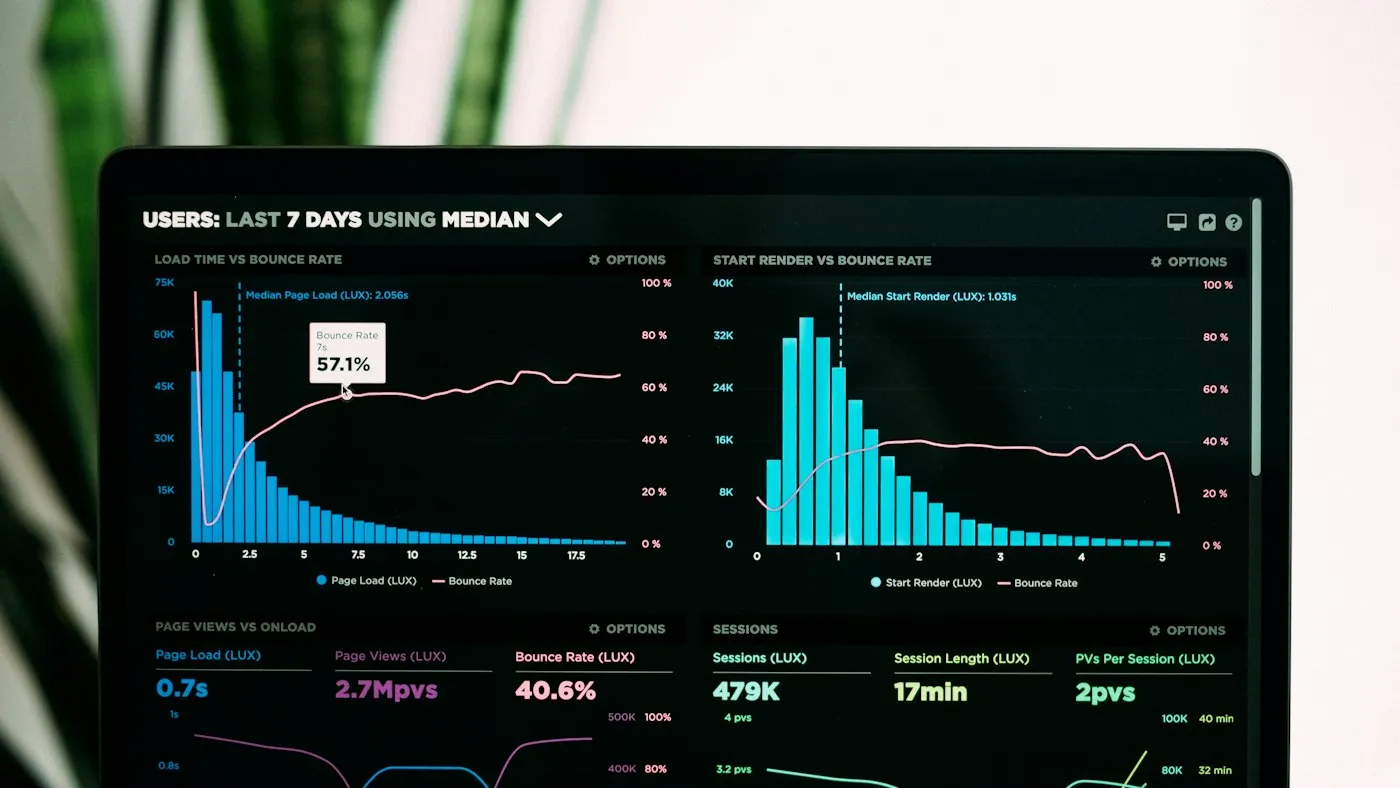
Dashboards present key information visually, such as inquiries received, bookings by month, or programme activities completed. Decision-makers can see current information without waiting for manually compiled reports.
Business Workflows
Many processes follow predictable steps: a request is submitted, reviewed, approved, completed, and reported. A web system can guide each step, notify the right people, and keep a record of what happened.
Access Control and Data Protection
Because web systems hold business information, security must be designed in from the beginning:
- User roles: Define who can view, create, edit, approve, or delete information.
- Secure login: Use strong passwords and, where appropriate, additional verification.
- Encrypted connections: Protect all access with HTTPS.
- Audit trails: Record important changes for accountability.
- Backups: Protect data against loss and test restoration.
- Data minimization: Collect and keep only the information you need.
Organizations handling personal or financial information should also consider applicable data protection laws and their own policies.
Do You Need a Custom System?
A custom system is not always the answer. Consider the alternatives honestly.
When a Spreadsheet Is Enough
If one or two people manage a small amount of information, and the process is simple, a well-organized spreadsheet may be perfectly adequate. Spreadsheets become difficult when many people edit them, when data must be controlled by role, or when errors and duplicate versions start causing problems.
When Existing Software Fits
Many needs are already met by established software, such as accounting packages or online booking tools. If an existing product fits your process well and is affordable, it may be the fastest option.
When a WordPress Plugin Works
If you already have a WordPress website, a reliable plugin might handle needs such as forms, simple bookings, or membership areas. This can be cost-effective, as long as the plugin is well maintained and does not need heavy customization.
When a Custom Application Makes Sense
A custom web system is often worth considering when:
- Your process is specific and existing tools force awkward workarounds.
- Several people or departments need controlled access to shared information.
- You need reports that combine information in particular ways.
- You want to integrate with other systems you already use.
- Manual work and errors are costing significant time.
Read our comparison of WordPress and custom web development for more guidance.
How a Custom System Is Planned and Built
- Requirements gathering: Understand your goals, users, current process, and problems.
- Scope definition: Agree on the essential features for the first version.
- Design: Plan screens, data structures, and user roles.
- Development: Build the system in stages, with regular reviews.
- Testing: Check functionality, security, and usability with real scenarios.
- Training and launch: Help users adopt the system and move existing data where needed.
- Support and improvement: Refine the system as your needs evolve.
Starting with a focused first version reduces risk and lets you learn from real use before adding more features.
Conclusion
A custom web system can bring scattered information and repetitive processes into one secure, organized place. It is most valuable when your workflow is specific, involves several people, and is not well served by spreadsheets or existing tools. The key is to begin with your real requirements and choose the simplest solution that solves them.
Premier Web Tech designs and builds custom web systems and applications for businesses, schools, and NGOs in Uganda and South Sudan, scoped to each client’s requirements, workflow, security needs, and budget.
Discuss a Custom System
Tell us how your team works today and where the bottlenecks are. We will help you scope a practical first version.